Reuse footage across projects
Organize footage into libraries and collections, then search across projects. Keep the source video and time range attached to every candidate shot.
Search your video library in natural language. Review the original shot and move selected footage into your editing workflow.
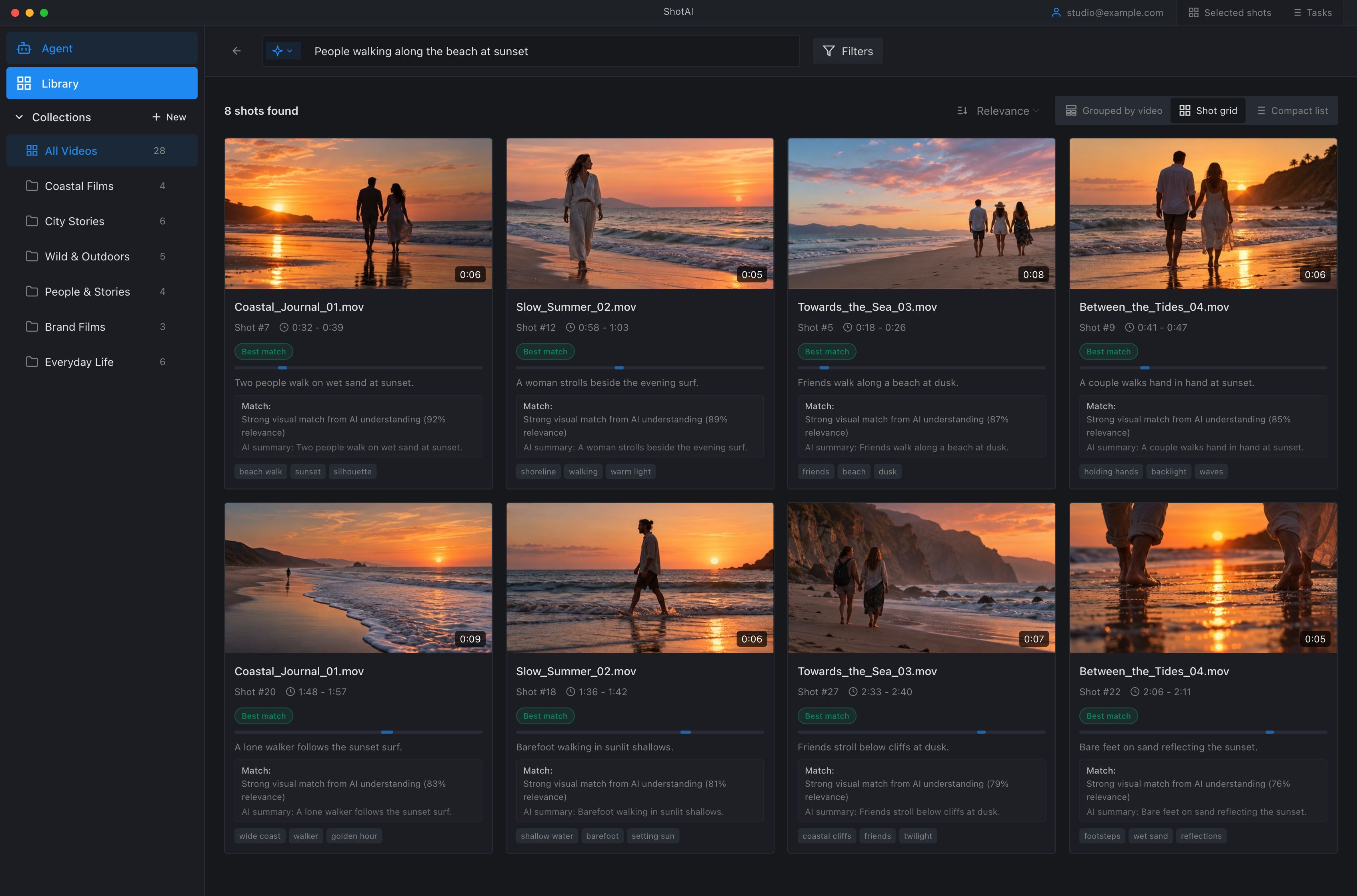
A continuous workflow from importing source videos to selecting and handing off the right shots.
Collect footage across projects and segment videos into shots with source time boundaries.
Create shot metadata and search with natural language.
Check the source footage and export clips or an editing timeline.
Open a search result in the player. Review the source video, shot boundaries and nearby footage alongside its description and structured tags.
Move between the player and shot timeline to check what happens before and after a match, then select the footage to reuse.
Product documentation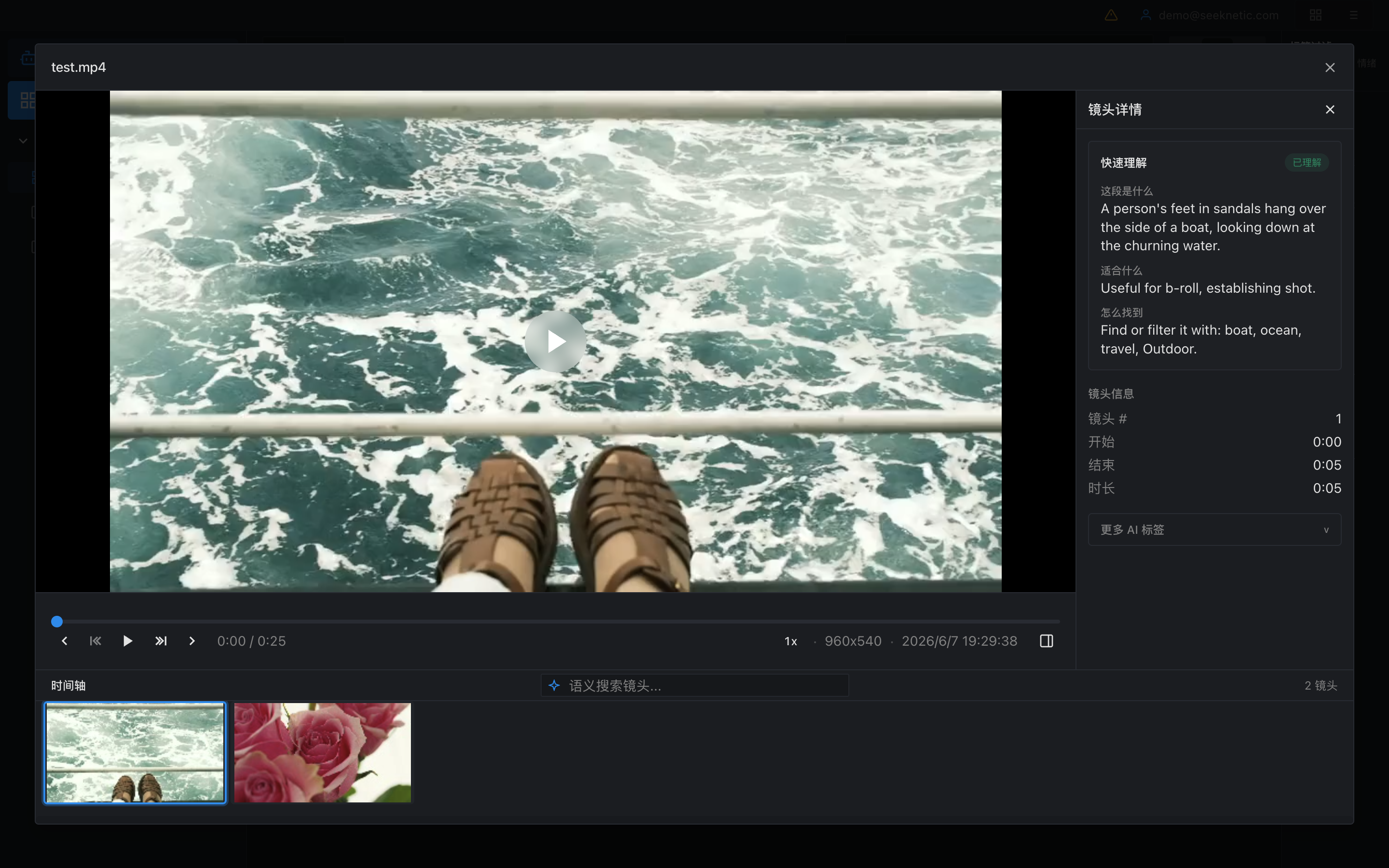
Organize footage into libraries and collections, then search across projects. Keep the source video and time range attached to every candidate shot.
Describe your brief, refine the scene with follow-up questions and review candidate shots in the context of your edit.
Export selected clips or send a timeline to your editor. Keep the selection connected to its source media and shot boundaries.
Original footage stays local. Model analysis uses online services. See the data flow before processing sensitive media.
Data & privacyVideo processing is billed by minute. Searches use the same rate as API search, per 1,000 searches. Initial archive ingest and ongoing new footage are separate usage volumes.
Production and post-production teams that need to find the right source shot in an existing archive and reuse it in another project.
In the local-source workflow, originals stay on your computer. Selected keyframes and supported audio inputs are sent to online model services; vectors and shot metadata are stored locally.
Choose representative archive tasks. Measure the time to find the right shot, then check the source footage, time ranges and export results. Discuss integration and workflow needs with our team.